Automatically stop receiving Venmo payment emails by setting up Gmail inbox filters.
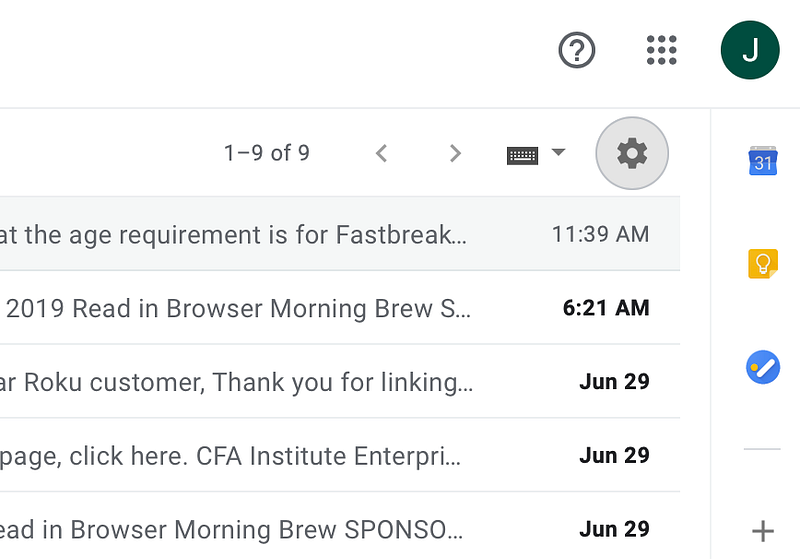
1. Go to Gmail inbox settings.
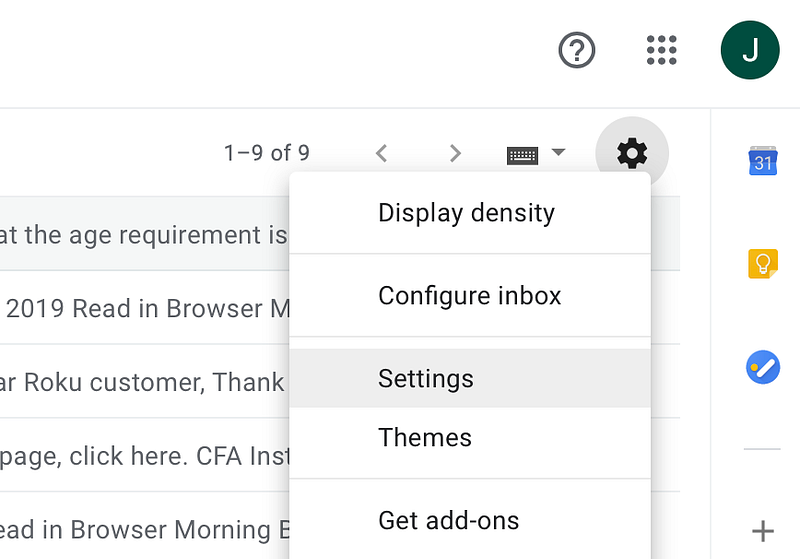
2. Go to Filters and Blocked Addresses
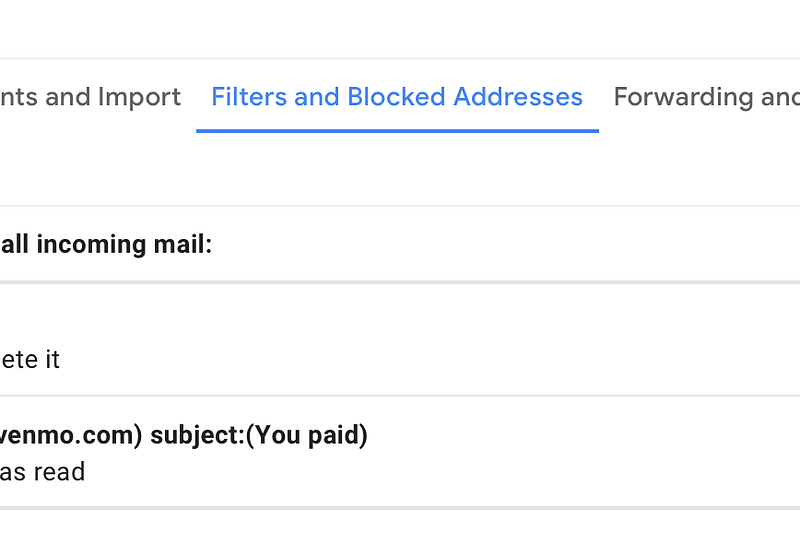
3. Create a new Filter
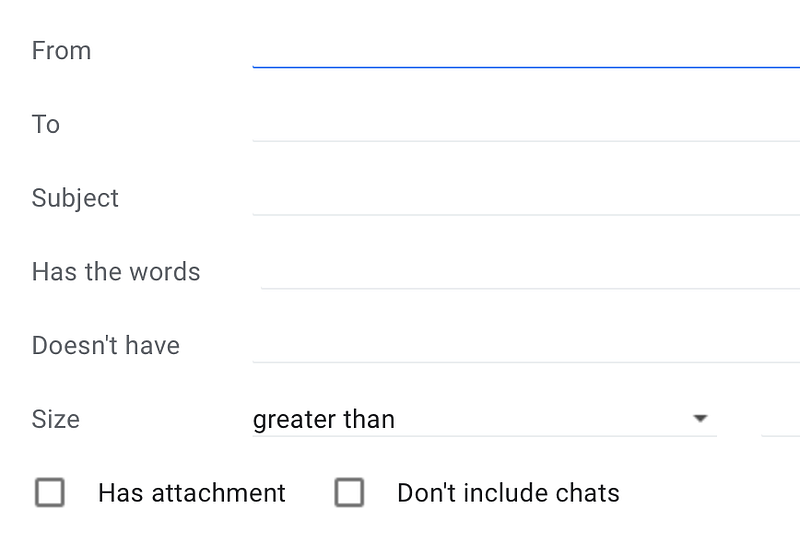
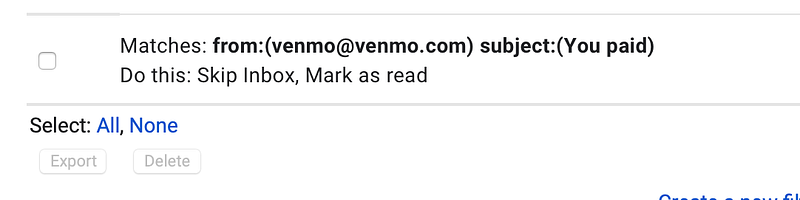
4. Specify the relevant information as follows:
While Venmo payment emails help you maintain account security, push notifications on your phone serve the same purpose.
This rule-based filtering will work as long as Venmo doesn’t change subject line for their email notifications.